Events Calendar
Use the UND Events Calendar to share information with the University community and the public.
The UND Events Calendar is the source for University events, deadlines and institutional dates.
Submitting your event or date to the Events Calendar ensures it is visible on the UND website and eligible for promotion through other Marketing & Communications-managed channels. Per UND policy, all events and dates must be submitted to the UND Events Calendar before being considered for promotion through other M&C-managed channels.
All submitted information is published to the UND website. Event and deadlines listings may also appear on related websites and in the My UND app based on the tags selected during event submission.
Mass Communications Channels PolicyWho Can Submit
Anyone may submit events to the UND Events Calendar:
- Users with an NDUS account (NDUS.Identifier) can log in using their UND credentials.
- Individuals outside the UND community may log in using a Facebook, Google, X (Twitter) or LinkedIn account.
Events should be broadly relevant to the UND community.
Examples of events that may be appropriate for the UND Events Calendar include:
- Academic lectures.
- Student organization-sponsored social events open to others.
- UND athletic events.
- Career fairs held on campus or sponsored by a UND department.
- Admissions events, campus tours, department open houses.
- University music or theater performances
- Major community events with relevance to the UND community (e.g., concerts at the Alerus Center or Ralph Engelstad Arena).
Events not affiliated with or sponsored by UND are generally not eligible.
Examples of events that are not appropriate for the UND Events Calendar include:
- Closed meetings or events limited to specific individuals, departments or groups.
- Non-University social gatherings.
- Sales or promotional events for a local business.
- Events that promote alcohol use.
Content must comply with University policies and applicable laws.
UND reserves the right to reject or remove, without notification, any listing featuring objectionable content, imagery or subject matter.
This may include, but is not limited to:
- Hate speech.
- Pornographic or explicit material.
- Content encouraging dangerous behavior.
- Content that does not align with University standards of conduct for students, faculty and staff.
Content is reviewed in accordance with University policies and applicable laws, with respect for academic freedom and the freedom of expression.
How to Submit Events
Follow these steps to add an event or date to the UND Events Calendar:
- Log in to the UND Events Calendar using your NDUS credentials. If you do not have credentials, you may log in using your Google, Facebook, X (Twitter) or LinkedIn account.
- Complete the event form sections, including:
- Main information
- Schedule
- Location
- Additional details
- Detailed event information must be included in the description.
- Be sure to include links to parking maps and parking details.
- Complete the Event Parking Request if event parking is needed. (i.e., when parking is needed for non-permit holders during business hours, parking sign requests, etc.)
- Add an image by selecting one from the library or uploading your own. Be sure to follow image guidelines or your event listing will not be approved.
- Select appropriate filter dropdowns:
- Audiences
- Events by Colleges & Schools
- Topic
- Add pre-determined tags or widgets, if your event uses them to pull into specific webpages.
- Submit your event.
All events are reviewed and approved by Marketing & Communications before being published.
Apply Filters, Widgets and Keywords
When selecting audiences, be realistic of who is interested in your event. Events can have more than one audience but checking them all is being done too frequently and cluttering the events feeds.
- Current Students – If you want your event to be promoted to current students (undergraduate and graduate), you must select Current Student as an audience. This will pull into the Student Life feed in the website, calendar and the My UND App.
- Alumni
- Faculty & Staff - Pulls into the Information for Faculty &Staff page.
- General Public
- Prospective Students – Used only for official Admission events.
These should be selected based on what college/school submitted the event and what students would be interested in this event. Events pull into College homepages.
- Academic Calendar – Used only for official NDUS and UND dates and deadlines.
- Arts & Music
- Athletics
- Community & Belonging
- Health & Wellness
- Careers & Jobs
- Lectures & Presentations
- Research
Most event clicks come from audience-specific event embeds across the UND website, rather than visits to the calendar itself.
- The Events Listing snippet will automatically embed UND Calendar events on your webpage, reducing workload and web content duplication. The Event Listing snippet pulls in event name, image, date, time and brief description from existing event calendar listings. Each event links to its unique calendar webpage for supporting details.
- Event lists pulled into your site can be filtered to include events by audience, topic, event location or experience (virtual vs. in-person). Events can also be filtered by tagging individual events that you want to pull into your webpage.
- If you would like to add an embedded calendar on your website, contact Aimee Halstenson or use the widget builder.
Example Widgets
Existing Event Tags and Widgets
If you have an event listing snippet pulling into your webpage, ensure you are using the correct tag/keyword for events to populate on your webpage.
Submission Deadlines
To ensure maximum exposure for event listings, please submit the listing at least two weeks ahead of the event date. This allows time for review and posting. Calendar submissions may take two business days to be approved.
Efforts will be made to process events submitted after this two-week window, but no guarantees are made regarding the inclusion of such events.
Calendar Image Guidelines
All events should have a unique photograph to boost visibility across the UND website. Do not use a PDF with event details (time, date, location) because this content duplicates your event listing and does not meet accessibility standards.
What if I don't have a photo?
Select a photo from the calendar's photo library or use the UND photo library.
Image Specifications
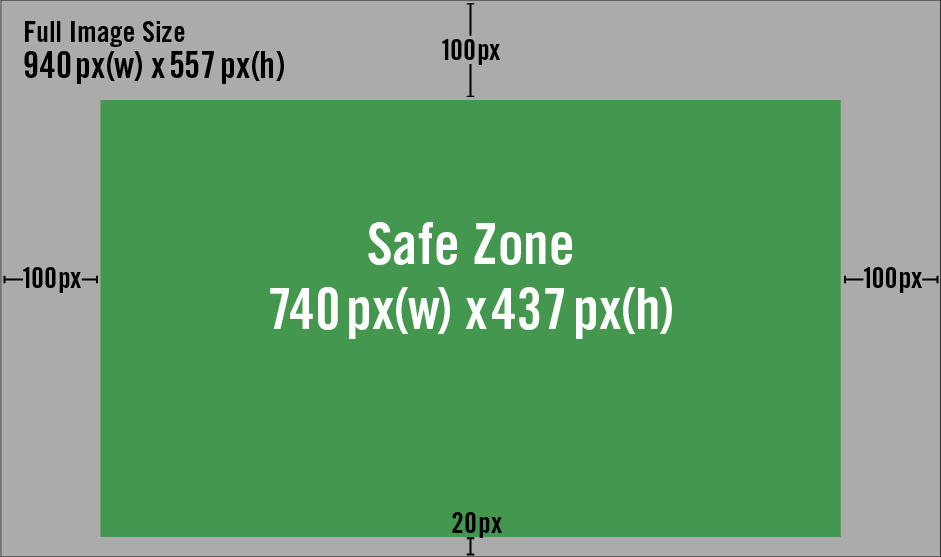
- Crop images to 940 px by 557 px with a safe zone of 740 px x 437 px.
- Photos or non-text graphics are recommended.
- An image gallery is provided for all calendar users to select images from.
- Logos, branded elements and event title text are allowed in graphic images.
- Event images are cropped to different ratios across the UND website. Content/logos should be large enough to be legible and stay within the safe zone to ensure content isn't cut off by calendar overlays and cropping.
- Avoid all white backgrounds. The events are listed on a white background and will look washed out.
- Apply appropriate alt text to the image so it can be read by a screen reader. See guidance for how to write alt text.
Avoid Event Details on Images
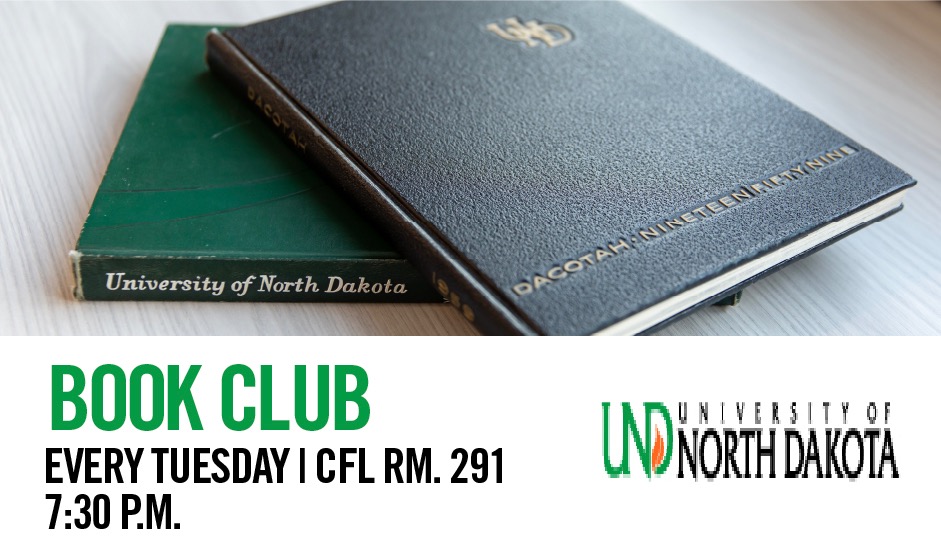
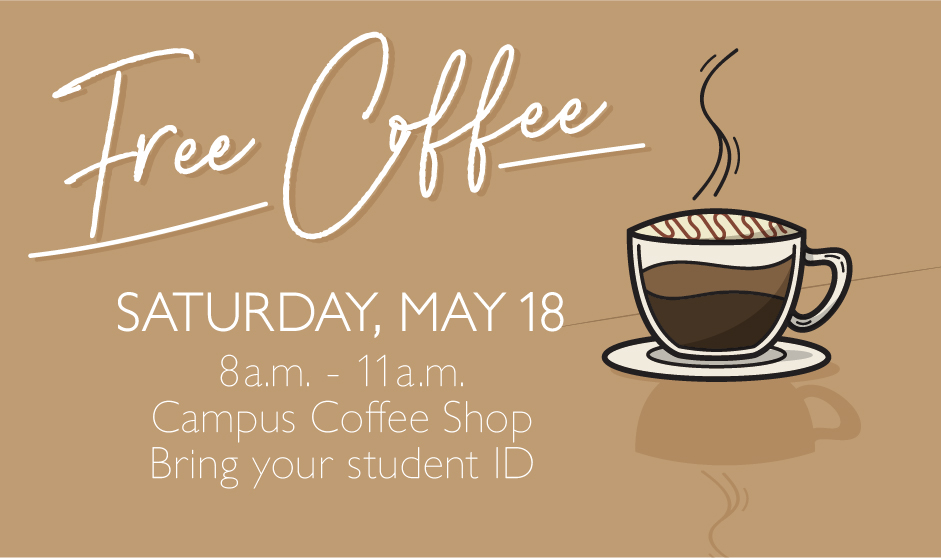
Do not use event brochures/posters or images with text for the following reasons:
- Images with text can't be searched or used by screen readers. This means they do not meet federal accessibility requirements.
- The purpose of the calendar image is to draw attention to the event listing, not provide event details. The event details are provided in the listing right next to the image.
Text-heavy images create usability and accessibility issues.
-
Screen readers cannot read text embedded in images, making the information inaccessible to users who rely on assistive technology.
-
Text inside images is often too small to read.
-
Users end up seeing the same information twice: once in the image and again in the event listing. This creates unnecessary visual clutter and makes the calendar harder to scan.
-
Images with excessive text are less visually effective at drawing attention to the event and create an inconsistent appearance across the calendar.
Acceptable Calendar Images
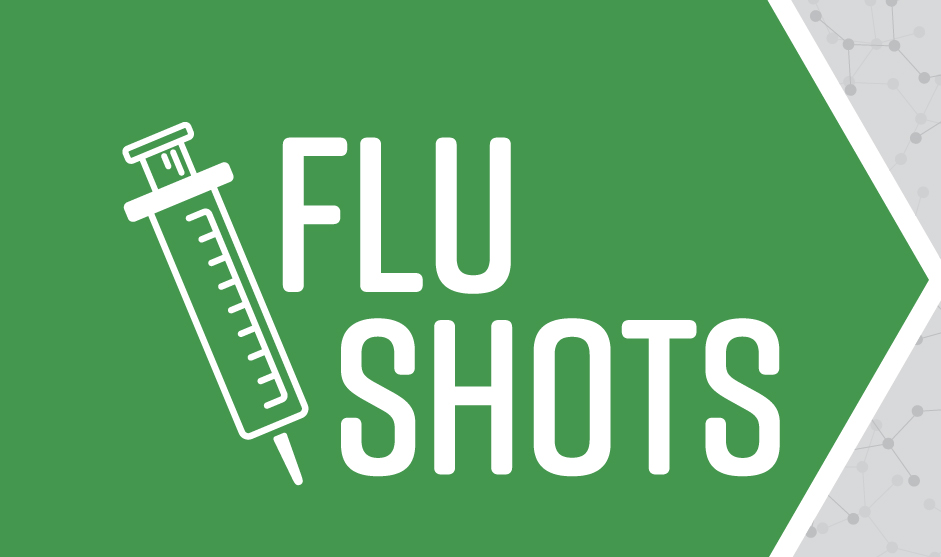

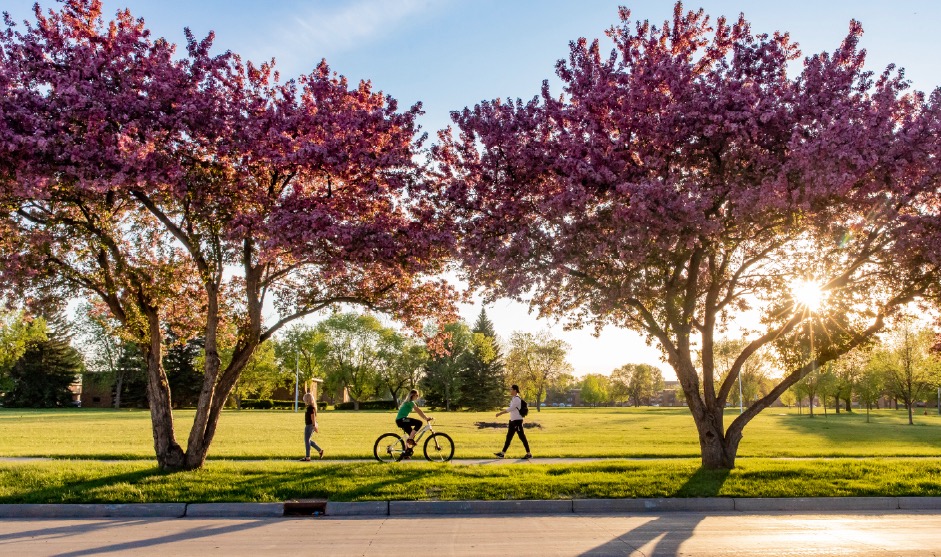
Unacceptable Calendar Images
Email Digest
Digests are a great way to stay informed about upcoming campus and community events. UND’s Calendar lets you create a weekly, customized email digest tailored just for you. Select the event categories that match your interests and choose your preferred day to receive your email digest.
Build an Event Digest Email
Event Owners
Encourage faculty, staff, students, and the general community to build their own email digests and ensure your events are seen by the right audience. This will help you to:
- Boost Attendance: The digest puts your events in front of people who care most about them.
- Automate Promotions: Get your events delivered to inboxes eliminating the need for custom emails and e-newsletters promoting events.
Encourage use by adding a call-to-action like “Build your own events email!” in your communications.
Digest Builder Tips
Title
This is the title of your personalized email. Be sure to name it appropriately so it doesn't get lost in your email.
Content
Personalize the events you want to receive in your inbox. Select events by Place, Audience, College & School, Topic or Keywords/Tags. There is no limit to the content categories you select.
Receiving Your Email
Digester emails may be routed to junk or clutter mailboxes.